
Lead management
Capture, qualify, assign, and track leads so active enquiries do not disappear across spreadsheets or inboxes.
AI-ready CRM for Small and Medium Businesses
Enserv CRM helps small and medium businesses manage leads, customers, opportunities, email communication, sales follow-ups, dashboards, and AI-assisted customer operations in one flexible platform.
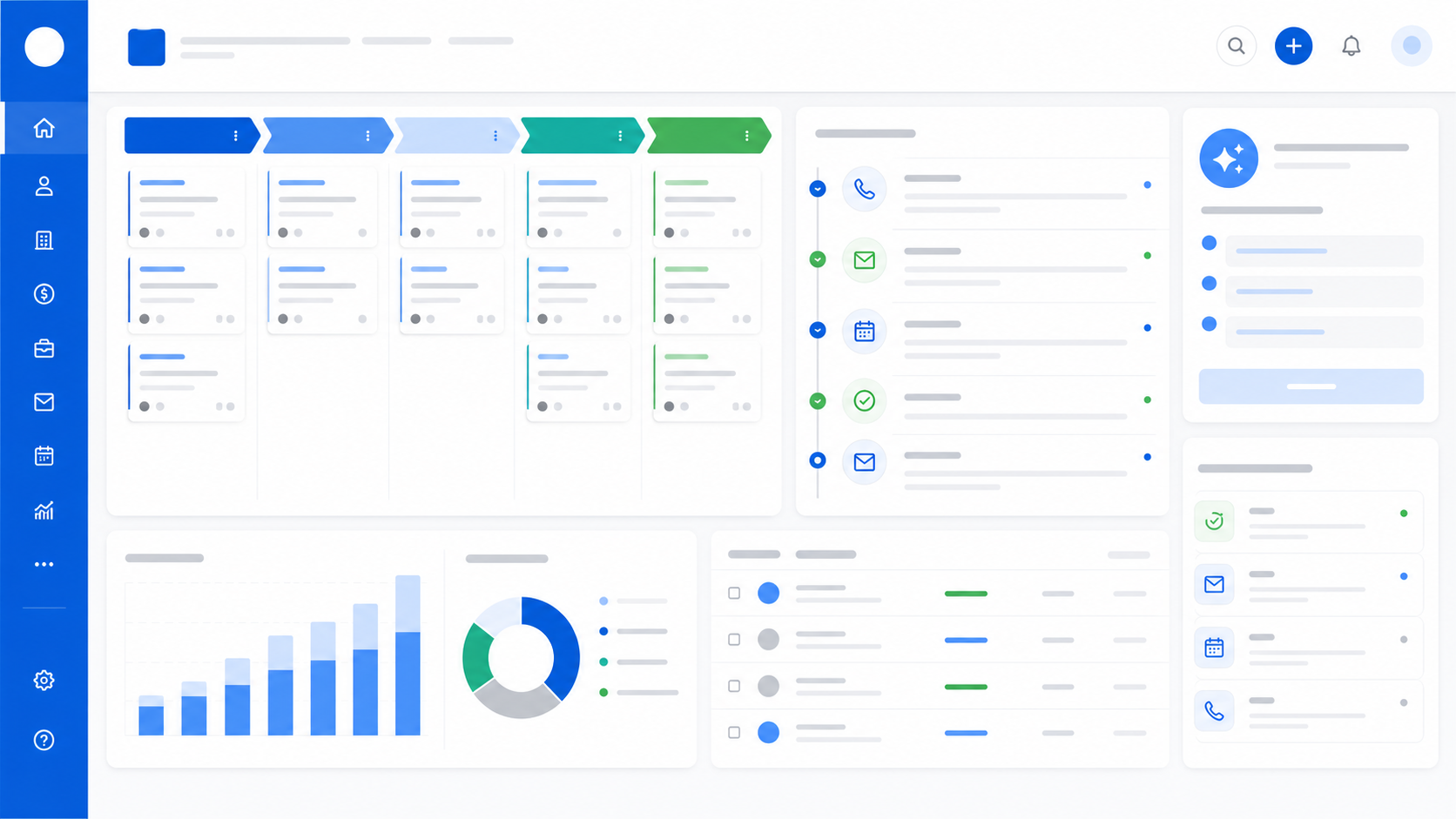
Sales execution problem
Sales and customer workflows need shared visibility, follow-up discipline, connected email, and practical dashboard reporting.
Platform overview
Enserv CRM supports lead management, customer records, opportunity tracking, proposal tracking, sales follow-up software, email integration, CRM dashboards, analytics, AI agent integration, and business system integration in one flexible platform.
Capture, qualify, assign, and track leads so active enquiries do not disappear across spreadsheets or inboxes.
Maintain customer profiles, contacts, communication history, requirements, and relationship context in one place.
Track deal stages, value, probability, next action, owner, and expected closure across the sales pipeline.
Monitor proposal status, sent dates, revisions, follow-ups, and customer responses with sales context.
Create disciplined follow-up queues, reminders, task ownership, and next-action visibility for sales teams.
Bring email activity closer to lead, customer, and opportunity records for cleaner customer communication.
Assign tasks, track activity, review overdue actions, and keep sales execution visible to managers.
Build role-specific CRM dashboards for leads, pipeline, follow-ups, customer activity, and sales performance.
Review pipeline movement, lead sources, conversion, proposal status, activity levels, and customer trends.
Prepare CRM workflows for AI lead qualification, AI follow-up assistance, summaries, and next-action support.
Connect CRM with email, ERP, inventory, accounting, service, APIs, and internal business applications.
AI-readiness
The CRM is designed so AI agents and assistants can support lead qualification, sales follow-ups, email communication, customer summaries, pipeline review, and AI-assisted sales insights.
Use AI assistance to classify inbound leads, capture intent, and suggest priority for sales users.
Generate controlled email drafts for responses, proposal follow-ups, meeting notes, and customer updates.
Surface pending follow-ups, stale opportunities, overdue responses, and next actions from CRM context.
Summarize customer history, open opportunities, recent communication, and important relationship context.
Suggest practical next steps for leads, proposals, and customer accounts while keeping users in control.
Convert voice, chat, or email interactions into CRM notes, activity updates, and follow-up tasks.
Summarize pipeline movement, risk areas, stuck deals, and near-term actions for review meetings.
Highlight sales patterns, lead-source performance, customer engagement, and execution gaps.
Integrations
A CRM becomes more useful when sales records, email activity, service context, inventory, accounting, ERP, internal tools, and AI agents can work together.
Connect customer conversations, follow-ups, and sales communication with CRM records.
Use stock, item, and availability context during customer conversations and proposal workflows.
Link support history and open service issues with customer and account visibility.
Bring invoice, payment, and commercial context into customer and opportunity review where appropriate.
Connect CRM with order, customer, item, quotation, and operational business data.
Integrate customer workflows with organization-specific portals, dashboards, and approval systems.
Use secure API connections for approved data exchange and CRM workflow automation.
Track tasks, activities, proposals, and next actions so teams do not lose active opportunities.
Bring customer communication closer to lead, opportunity, and proposal records.
Use dashboards, reports, pipeline summaries, and AI-assisted insights to review execution.
Capture customer interest, qualify leads, and track opportunities through practical sales stages.
Maintain customer records, communication context, and relationship visibility.
Prepare CRM workflows for AI follow-up, summaries, next actions, and pipeline support.
Use APIs and integrations to connect CRM with internal applications and business systems.
Discuss AI-ready CRM, lead management, sales follow-up, email integration, dashboards, and CRM with AI agents for your business.